“Skynetix Booking” User Guide (Step-by-Step)
Learn how to list your properties, manage seasonal rates, monitor your reservations, and sync your calendar with Airbnb, Booking, and VRBO.
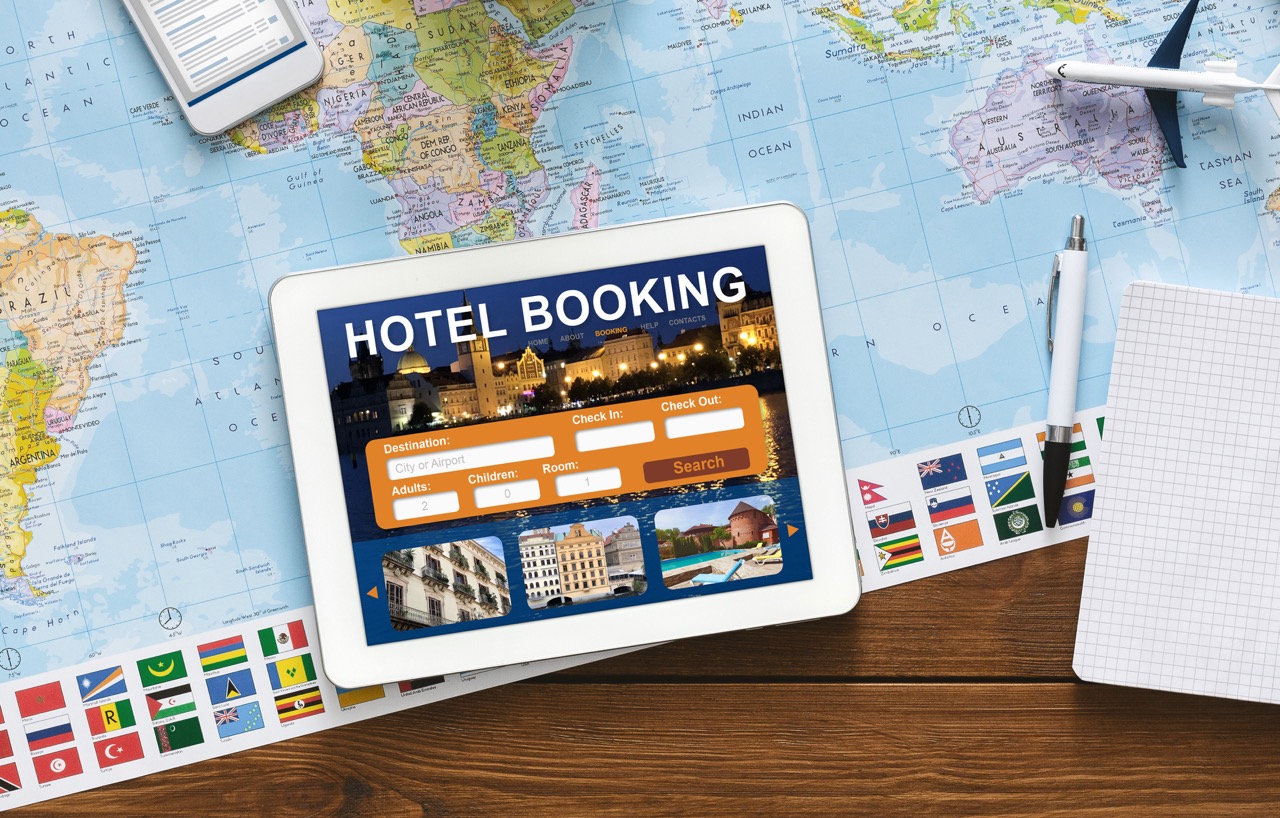
The system Skynetix Booking It’s your own, independent booking channel for short-term rentals like Airbnb. It allows you to accept direct bookings from guests without paying the high commissions charged by third-party platforms, while maintaining full control over pricing, availability, and cancellation policies for your properties.
Add New Accommodation (Accommodations)
To add a new room, apartment, or villa to your site, log in to WordPress and select from the left-hand menu Skynetix Booking > Accommodations > Add Accommodation Type.
- Title & Description: Provide an appealing title (translated as well if the site is multilingual) and describe the amenities, the view, and the neighborhood.
- Capacity: Specify exactly how many adults (Max Adults) and how many children (Max Children) the property can accommodate. This prevents bookings that exceed your limits.
- Amenities: Check the items that apply to this specific accommodation (e.g.,. Wi-Fi, Washing Machine, Swimming Pool, Air Conditioning).
[ Screenshot: The capacity and amenities fields on the Accommodation form ]
Setting Rates & Seasons
For short-term rentals, prices vary depending on the season. The Skynetix Booking allows you to set different rates in two simple steps:
- Creating Seasons: Go to Seasons and define periods (e.g.,. High Season: June 15 – August 31).
- Definition of Rates: In the section Rates, set a price for your property and assign the base nightly rate for each season you've created. You can also set an additional charge per person or based on the number of nights stayed.
If you do not want to make one-day reservations during the high season, you can go to the Booking Rules (Reservation Rules) and specify that for that particular season, the “Minimum stay” is, for example, 3 nights. This way, the system will automatically block anyone who tries to book fewer days.
[ Screenshot: The interface for setting rates based on the season ]
Bookings & Calendar Management
All reservations made through your website are recorded in the section Bookings:
Synchronization with Airbnb (iCal Synchronization)
To avoid overbooking (that is, one guest booking the same dates on your site and another on Airbnb), the Skynetix Booking uses two-way iCal synchronization:
- Export Calendar: Through the accommodation settings, the system provides you with a
iCal Link. Copy and paste (Import) this link into the corresponding room in the Airbnb dashboard. - Calendar Entry: Similarly, copy the iCal link from Airbnb and paste it into the field Import Calendars of our system. Now, as soon as a reservation is made on Airbnb (or VRBO), the dates will automatically be blocked on your site within a few minutes!
Synchronization via iCal is not 100% instantaneous (real-time). It depends on how often each platform “pulls” the data (usually every 15–30 minutes). If you’re on the go a lot, we recommend checking your calendars during peak times.
[ Screenshot: The fields for importing/exporting iCal links in the accommodation settings ]
Do you need a real-time channel manager with no delays?;
If you manage multiple properties and have listed them simultaneously on Airbnb, Booking.com, Expedia, and VRBO, simple iCal synchronization might not be enough for you. At Skynetix, we can connect your site to a professional Channel Manager API for instant synchronization (0 seconds) to eliminate the possibility of overbooking.