Google Analytics (GA4) Tracking on Mobile
View your website's traffic and conversions in real time, no matter where you are.
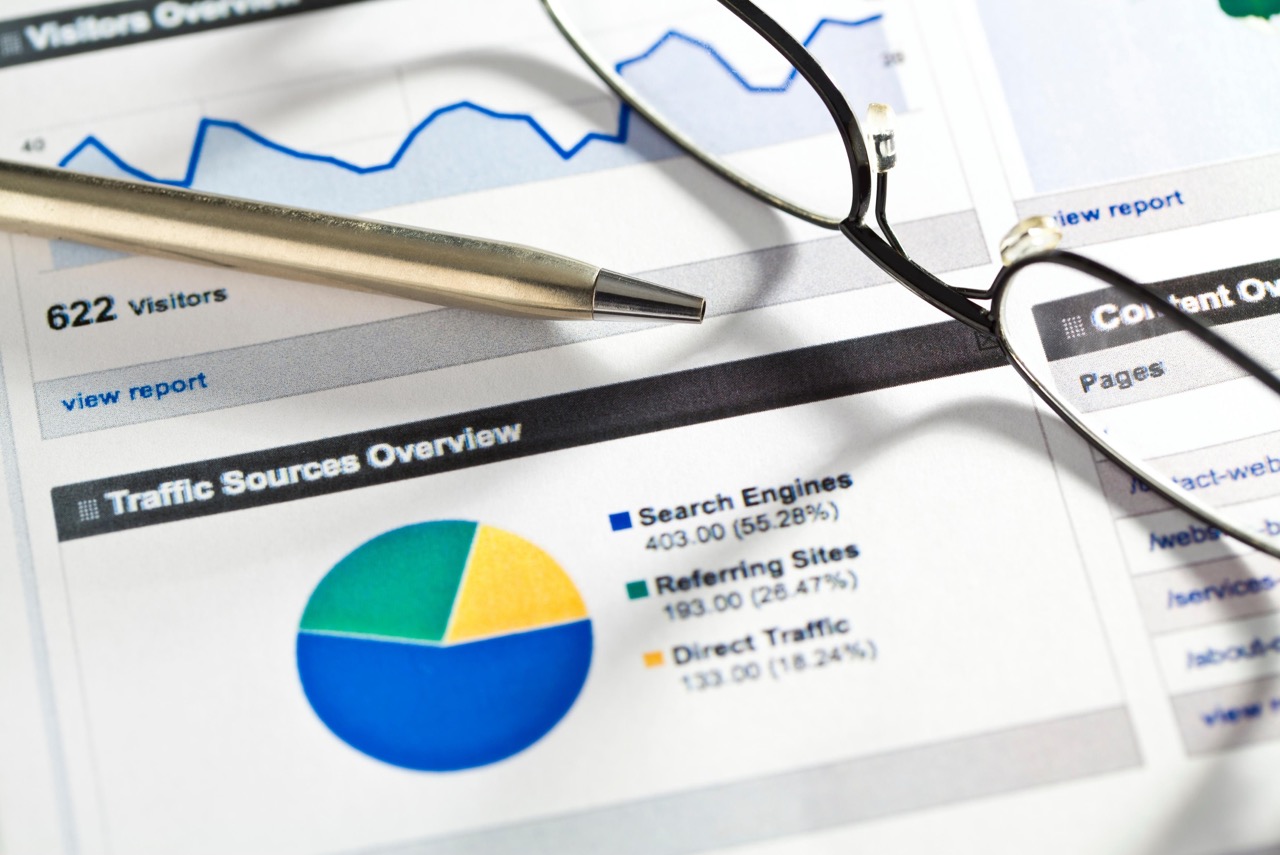
Google Analytics 4 (GA4) is the most powerful tool for understanding how visitors behave on your site. With the official Google app on your phone, you don’t need to turn on your computer to see if your ad campaign is performing well or how many users are browsing your online store right now.
Installation & Connection
- Search for it Google Analytics on the Google Play Store or the Apple App Store and install the app.
- Sign in with the **Google Account (Gmail)** you used to manage your GA4 property.
- If you have access to multiple accounts, the app will ask you to select the specific site (Account & Property) you want to monitor.
Understanding the Cards
The app is divided into key areas you should be familiar with:
- Reports: Here you can see the data for the last 7, 28, or 90 days. Focus on the Traffic Acquisition to see where your customers are coming from (Google Search, Social Media, Direct).
- Real-time: The most impressive tool. It shows how many people are on your site at this very moment and which pages they view.
- Explore: For advanced users, you can create custom dashboards if you want to view specific purchases or actions.
Don't just look at “today.” Click on the date at the top and turn it on. Compare to the previous period. This way, you'll be able to see right away whether your traffic is increasing or decreasing compared to the previous week, giving you a clear picture of how your business is performing.
If the app shows no data, first check that you have selected the correct one Property from the profile menu. Also, make sure the tracking code (GA4) is active on your site. If the problem persists, an administrator may need to check the access permissions in your Google Analytics account.
Are your stats showing low conversion rates?;
Viewing statistics is just the beginning. The Skynetix team handles **Analytics Audit & Optimization**. We set up complex Events and Conversions (e.g., purchases, form submissions, phone clicks) so you know exactly how much revenue each visitor generates. Don’t let your data remain just numbers—turn it into sales strategies!